
Independent WoW 3.3.5a resource
Practical WotLK guides, addons, and tools
WotLK Helper collects practical resources for Wrath of the Lich King 3.3.5a players. Find installation notes, class and encounter guides, macros you can adapt, WeakAuras, client improvements, and addon setup instructions in one organized library.
Explore the library
Browse by topic



Recently published and updated
Latest resources
- Addons
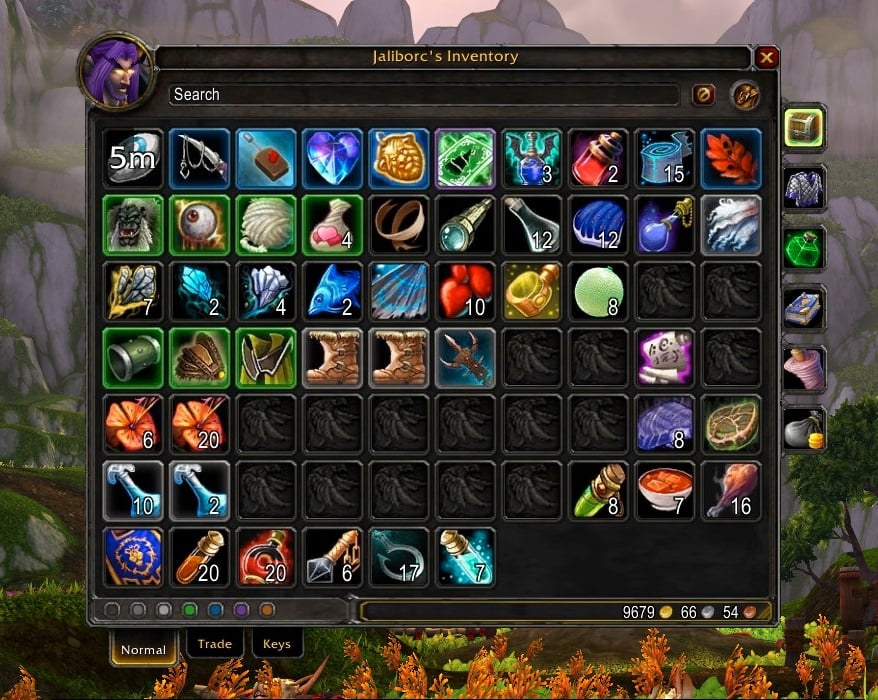
Combuctor WoW 3.3.5a
Combuctor is a unified bag and bank inventory addon for WoW 3.3.5a. It combines your containers in one searchable window with category tabs, item sorting, and optional custom sets for faster inventory management.
Read resource → - WeakAuras
![[Merfin] Paladin (v2.2) cover](https://wotlkhelper.com/storage/articles/weakauras/merfin-paladin-v22.png)
[Merfin] Paladin (v2.2)
Paladin WeakAura package for WoW WotLK 3.3.5a with Holy and Retribution cast bars, tick tracking, cooldown icons, timers and combat warnings.
Read resource → - Addons
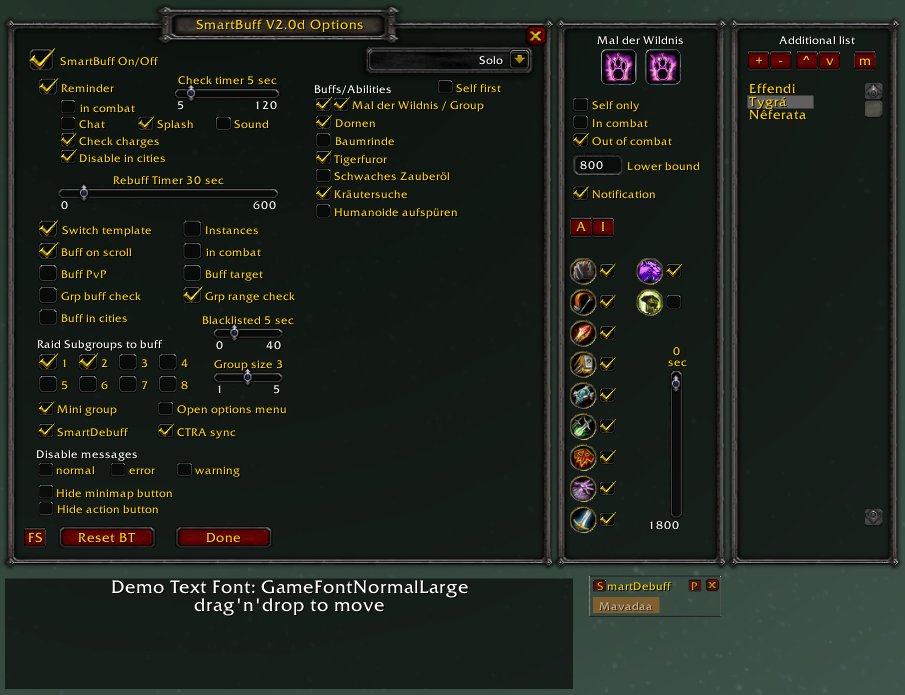
SmartBuff WoW 3.3.5a
SmartBuff WoW 3.3.5a for the World of Warcraft 3.3.5a client.
Read resource → - Addons
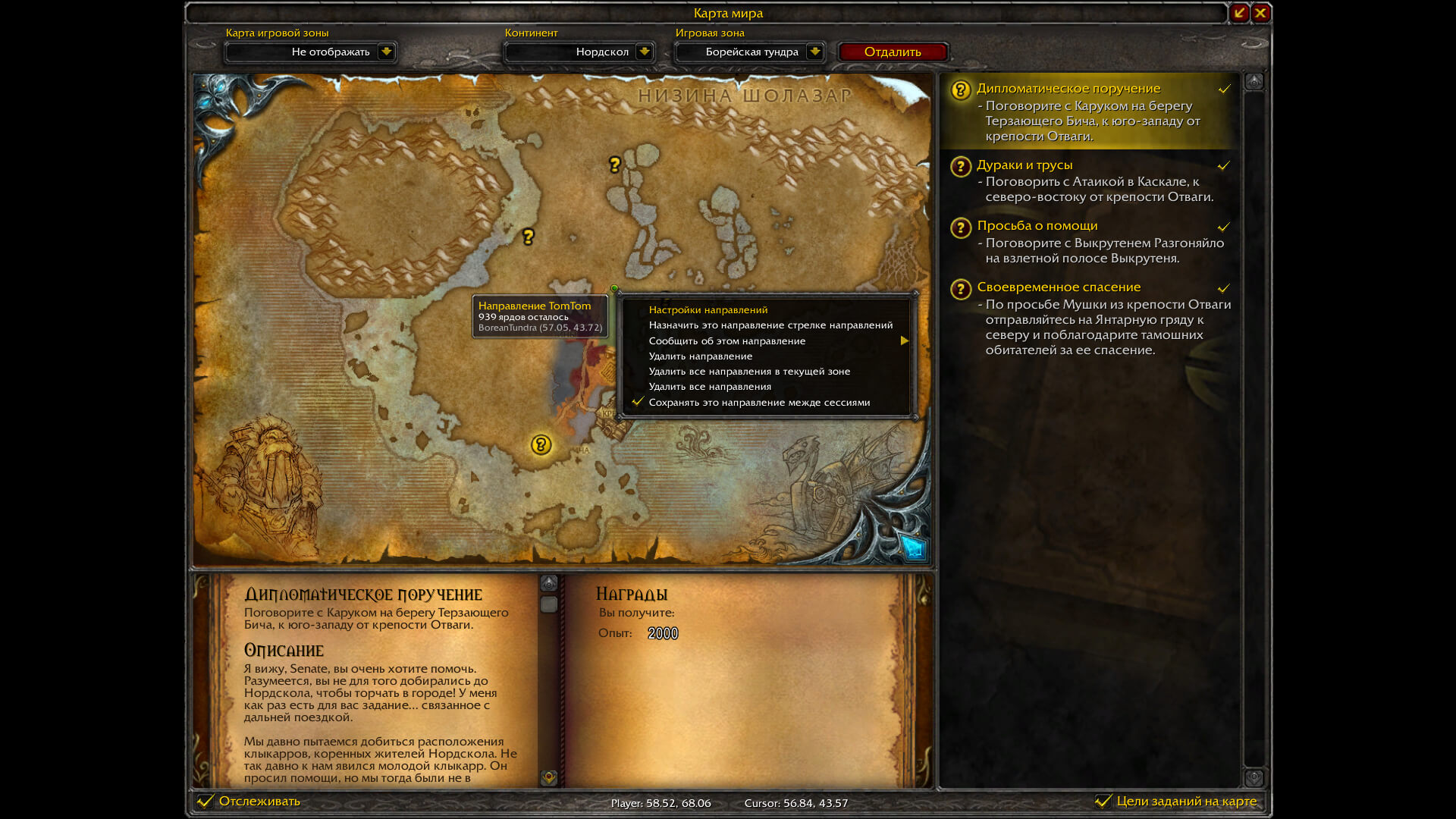
TomTom WoW 3.3.5a
TomTom WoW 3.3.5a for the World of Warcraft 3.3.5a client.
Read resource → - Addons
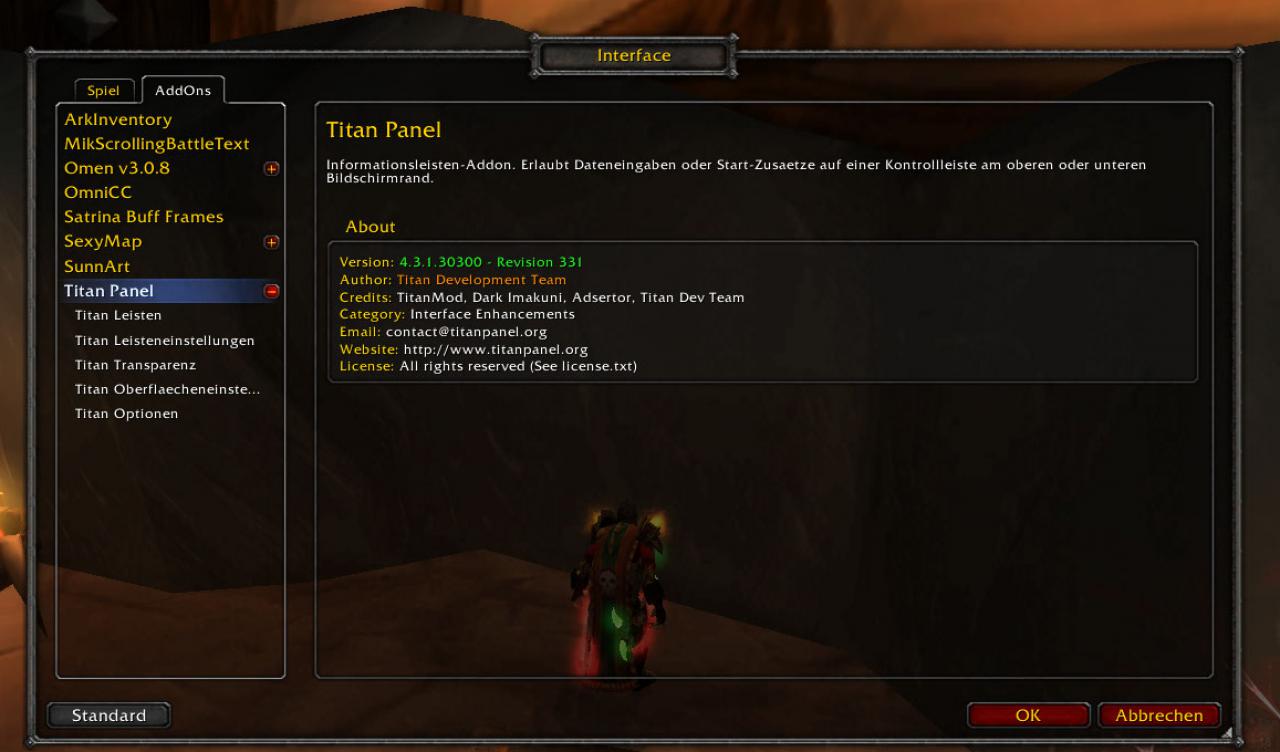
Titan Panel WoW 3.3.5a
Titan Panel WoW 3.3.5a for the World of Warcraft 3.3.5a client.
Read resource → - Addons
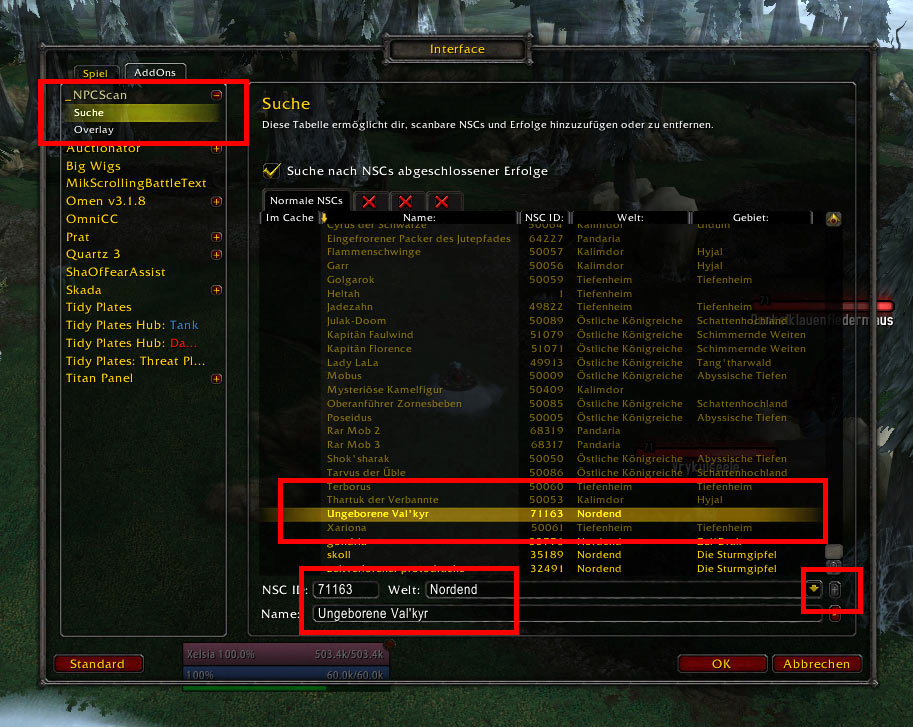
NPCScan WoW 3.3.5a
NPCScan WoW 3.3.5a for the World of Warcraft 3.3.5a client.
Read resource →
Start with a safe setup
Using WotLK resources responsibly
The 3.3.5a client is old and community servers can behave differently. Before installing an addon or client modification, confirm that it was made for your client build and back up your Interface and WTF folders. Install one change at a time, test it, and keep the original archive until you know the setup is stable.
Macros and gearing recommendations also need context. Spell names can differ by client language, while hit caps, raid buffs, encounter jobs, and available equipment can change the best choice for a character. Our guides are designed to explain the reasoning so you can adapt them instead of copying a setup without understanding it.
- Check compatibility. Look for the client version and setup notes.
- Keep backups. Preserve a working UI before replacing files.
- Test changes. Verify commands and settings outside important content.
- Report problems. Contact us when instructions need correction.
Why WotLK Helper exists
Useful context, not just download links
A file name and a download button are rarely enough. WotLK Helper aims to document what a resource does, who it helps, how to configure it, and what can go wrong. Articles are reviewed before publication and are updated when corrections or better instructions are available. This is an independent fan project and is not affiliated with Blizzard Entertainment.